Master Excel audit trails! Learn to effortlessly track changes, secure data, and create custom logs with advanced tools like Power Query and VBA, ensuring data integrity and accountability.
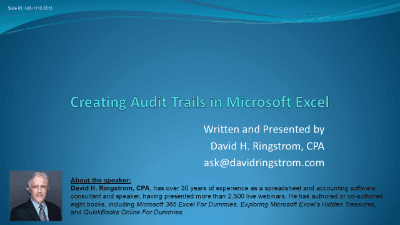
Unlock the power of "Creating Audit Trails in Microsoft Excel" to safeguard your data and enhance accountability. This comprehensive course guides you through essential techniques for tracking and preventing changes in your spreadsheets, critical for maintaining data integrity and compliance in any professional setting.
You'll learn to:
Whether you're concerned with data integrity, compliance, or simply understanding spreadsheet evolution, this course provides the tools and insights to create robust audit trails, ensuring transparency and accountability in your Excel workbooks.

CPA, Author, Professional Excel Spreadsheet Trainer and Consultant
David H. Ringstrom, CPA, is the author of Microsoft 365 Excel for Dummies, and a nationally recognized instructor who has taught over 2,500 live webinars. His Excel courses are based on over 30 years of consulting and teaching experience. David’s catchphrase is “Either you work Excel, or it works you,” so he focuses on what he sees users don’t, but should know about Microsoft Excel. His goal is to empower you to use Excel more effectively. David has authored or co-authored 10 books, including Exploring Microsoft Excel's Hidden Treasures, QuickBooks Online for Dummies, and Idiot's Guide to Introductory Accounting.
