Master Conditional Formatting in Excel with David Ringstrom, CPA—learn to spot duplicates, filter by color, build data bars, and create formula-based rules across versions.
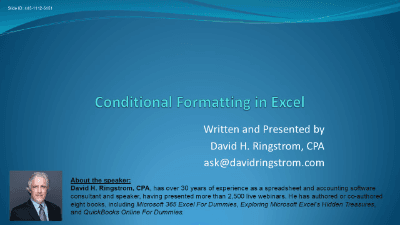
Unlock the power of your data with "Conditional Formatting in Excel," a comprehensive course designed to transform raw numbers into actionable insights. Led by seasoned spreadsheet consultant David Ringstrom, CPA--author of Microsoft 365 Excel for Dummies--this course delves into Excel's robust conditional formatting features, enabling you to visually identify trends, anomalies, and critical data points with ease.
You'll learn to apply a variety of visual references, from colors and formatting overlays to dynamic data bars, heat maps (color scales), and insightful icon sets. Beyond basic highlighting, discover how to leverage conditional formatting to:
Whether you're looking to quickly pinpoint top performers, track progress, or identify discrepancies, this course provides the essential skills to make your Excel spreadsheets more intuitive and informative. David shares his "hard-fought knowledge" from decades of Excel expertise, ensuring you gain practical, real-world application of these powerful techniques. Master conditional formatting and elevate your data analysis capabilities today!

CPA, Author, Professional Excel Spreadsheet Trainer and Consultant
David H. Ringstrom, CPA, is the author of Microsoft 365 Excel for Dummies, and a nationally recognized instructor who has taught over 2,500 live webinars. His Excel courses are based on over 30 years of consulting and teaching experience. David’s catchphrase is “Either you work Excel, or it works you,” so he focuses on what he sees users don’t, but should know about Microsoft Excel. His goal is to empower you to use Excel more effectively. David has authored or co-authored 10 books, including Exploring Microsoft Excel's Hidden Treasures, QuickBooks Online for Dummies, and Idiot's Guide to Introductory Accounting.
